介绍ubuntu下比较好用的几款抓图和录屏软件
shutter 链接到标题
- 选取抓图
- 常用的图片编辑
- 转换图片格式
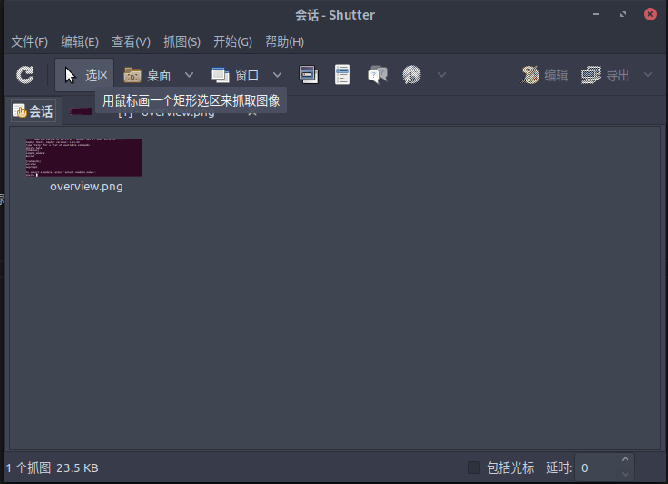
安装
sudo apt-get install shutter
peek 链接到标题
- 选区录屏
- 可录成gif格式
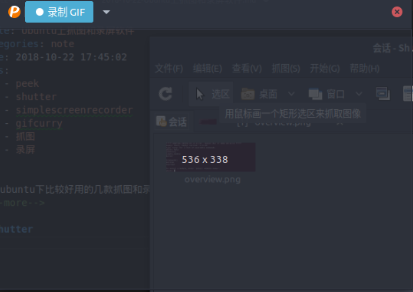 安装
安装
sudo add-apt-repository ppa:peek-developers/stable
sudo apt update
sudo apt install peek
simplescreenrecorder 链接到标题
- 录屏录音
- 多种选区方式
- 多种容器和codec
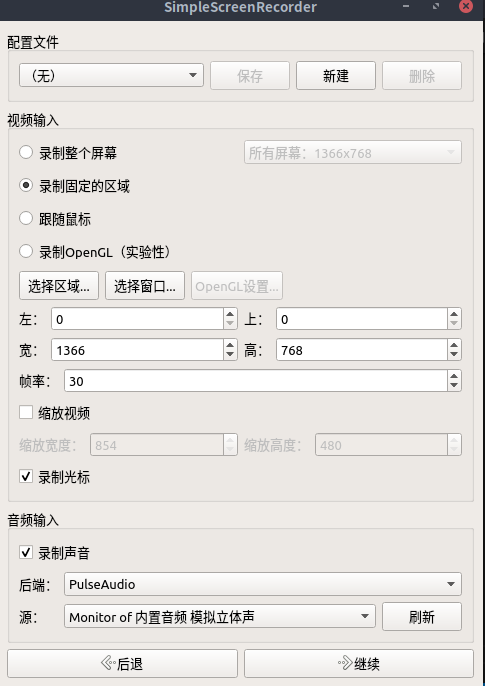
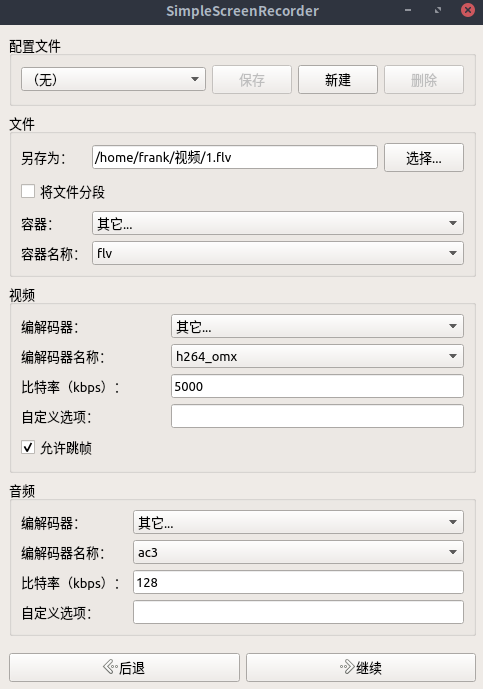
sudo apt-get install simplescreenrecorder
http://www.maartenbaert.be/simplescreenrecorder/
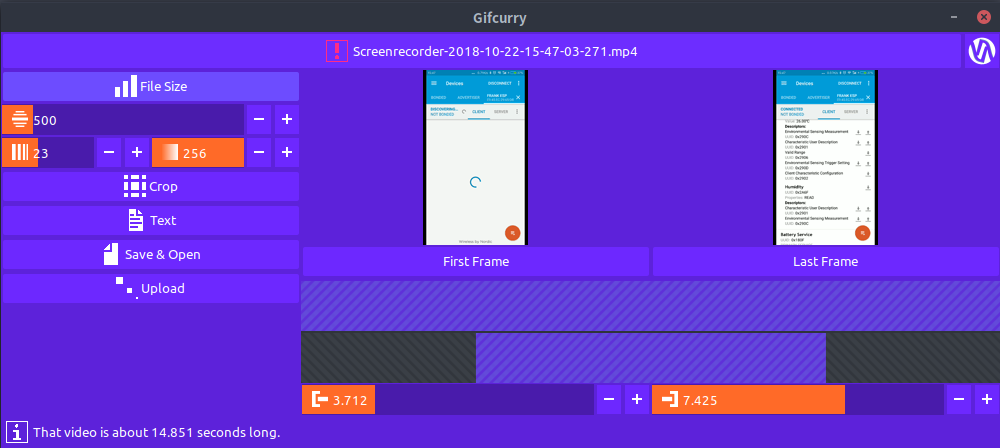
gifcurry 链接到标题
有时在手机上的录屏需要转换为gif
- 将视频转换为gif
- 可剪切
- 颜色partten可选
- 帧率可选
 安装
下载https://github.com/lettier/gifcurry/releases,解压缩release包,找到bin/gifcurry_gui双击执行
安装
下载https://github.com/lettier/gifcurry/releases,解压缩release包,找到bin/gifcurry_gui双击执行